roadnavier
Jaguar XJ / XJL X351 | 2009–2019 | Android Screen — Wireless CarPlay & Android Auto
Jaguar XJ / XJL X351 | 2009–2019 | Android Screen — Wireless CarPlay & Android Auto
Couldn't load pickup availability
Before you buy
Before you buy
Please confirm your vehicle year, original dashboard layout and factory audio system before ordering. If you are unsure, use the online chat button and send clear photos of your original screen and controls.
Read the full compatibility check →
Shipping & Delivery
Shipping & Delivery
Free shipping is available to most U.S. addresses.
A US$70 surcharge may apply to carrier-designated remote or extended-area addresses. We will contact you for approval before dispatch.
[Read full shipping policy →]
Warranty & Returns
Warranty & Returns
One-year limited warranty for confirmed non-human-caused hardware faults.
We provide remote diagnosis first, then replacement parts, repair or replacement where appropriate.
Returns require prior approval. Unused and uninstalled products may be returned within 30 days of delivery. Installed or used products cannot be returned because of a change of mind.
Roadnavier Android Head Unit for Jaguar XJ / XJL (X351) 2009–2019
Wireless CarPlay · Android Auto · Plug-and-Play OEM Fit
The modern infotainment upgrade your XJ deserves — without touching the factory wiring or trimming a single panel.
Check My Year & Trim on WhatsApp Email Us
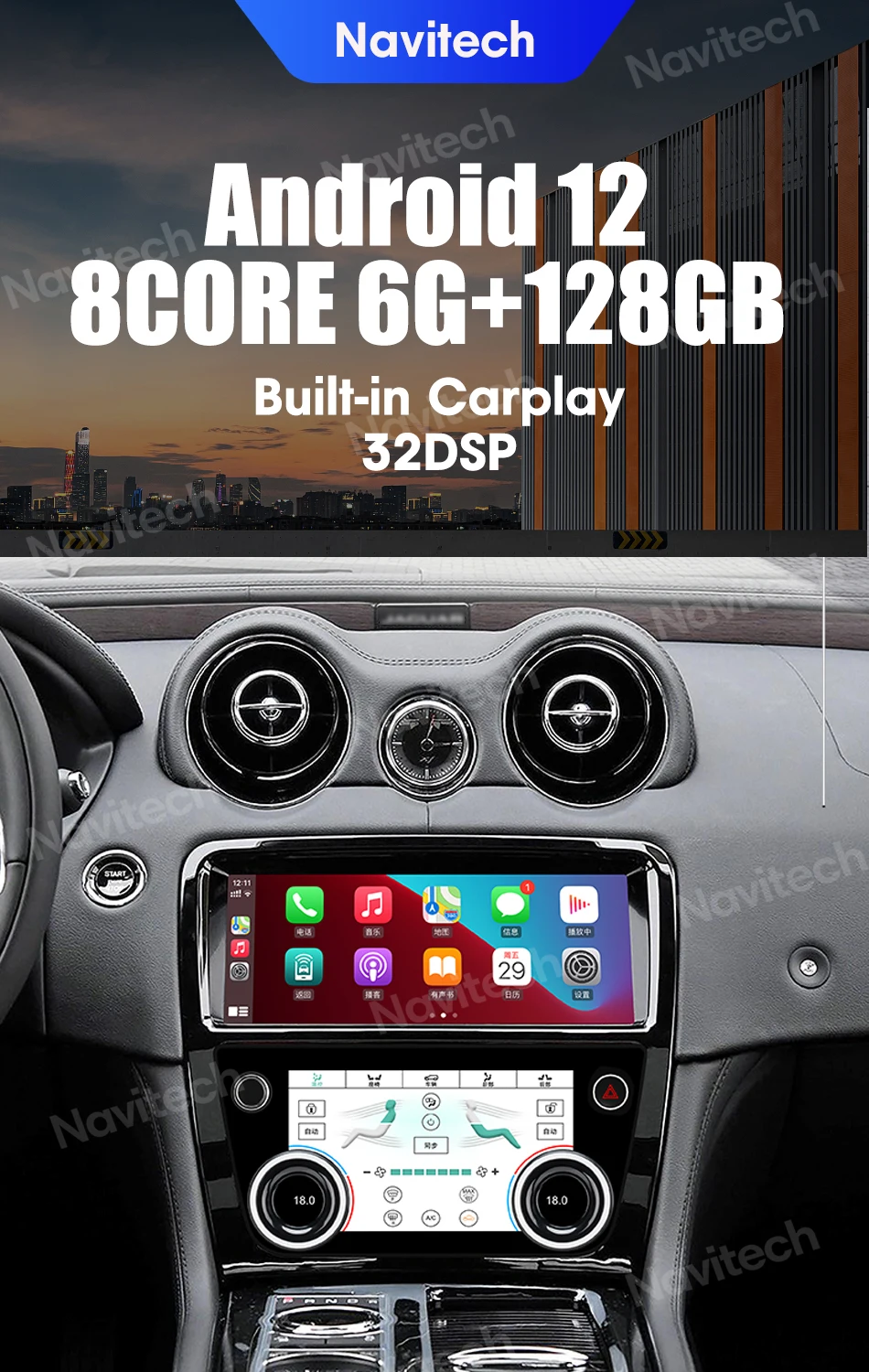
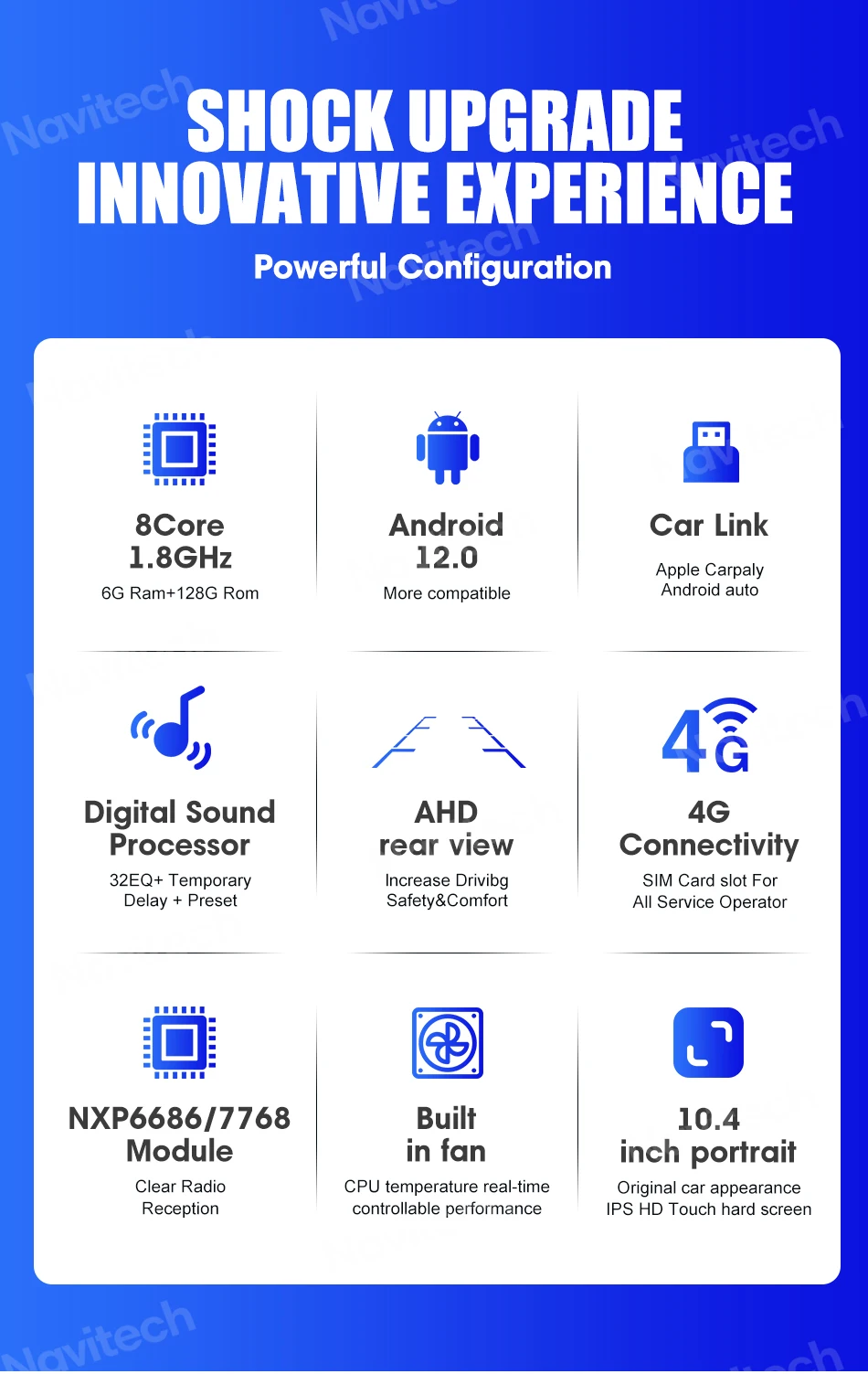
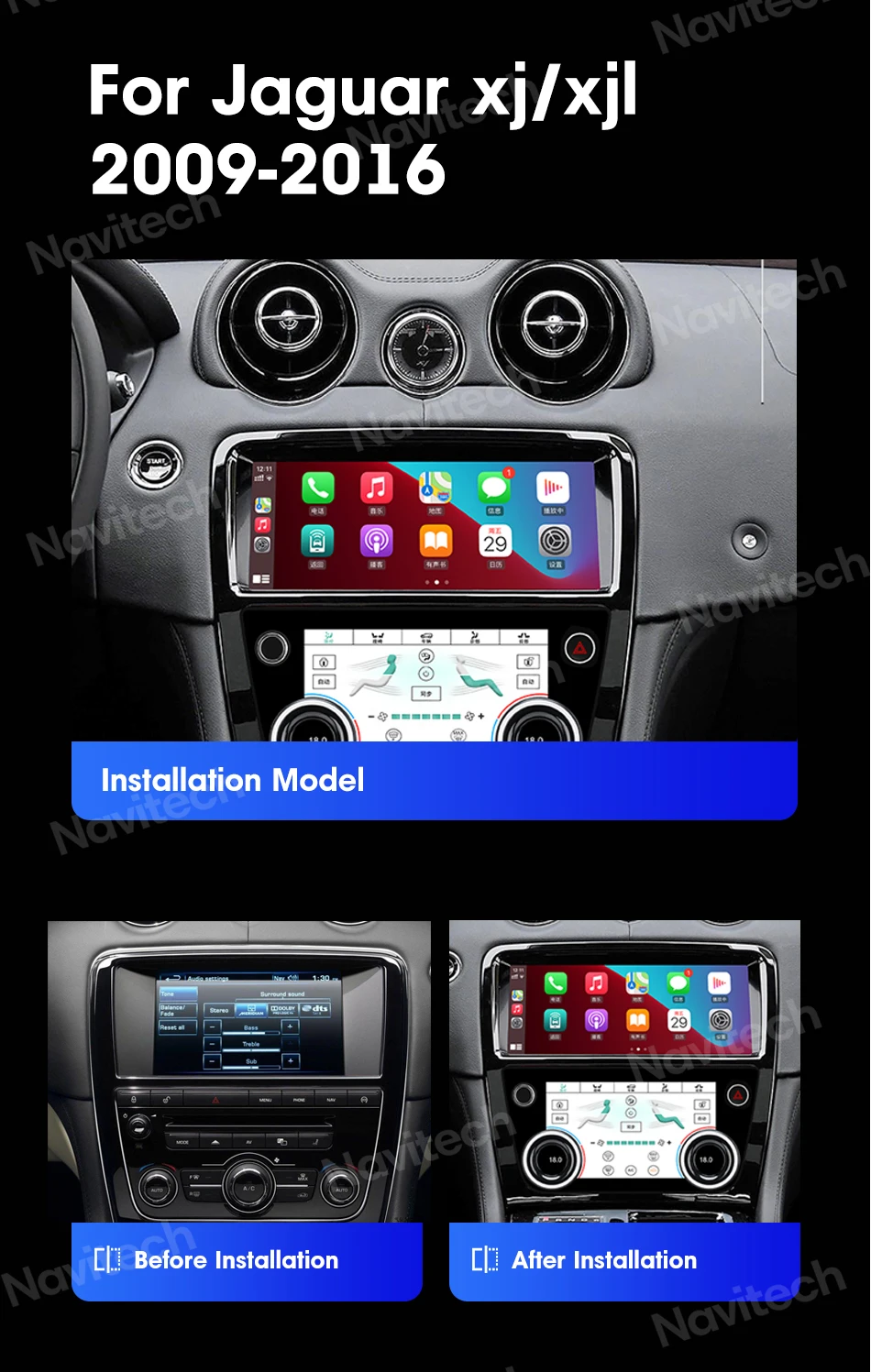
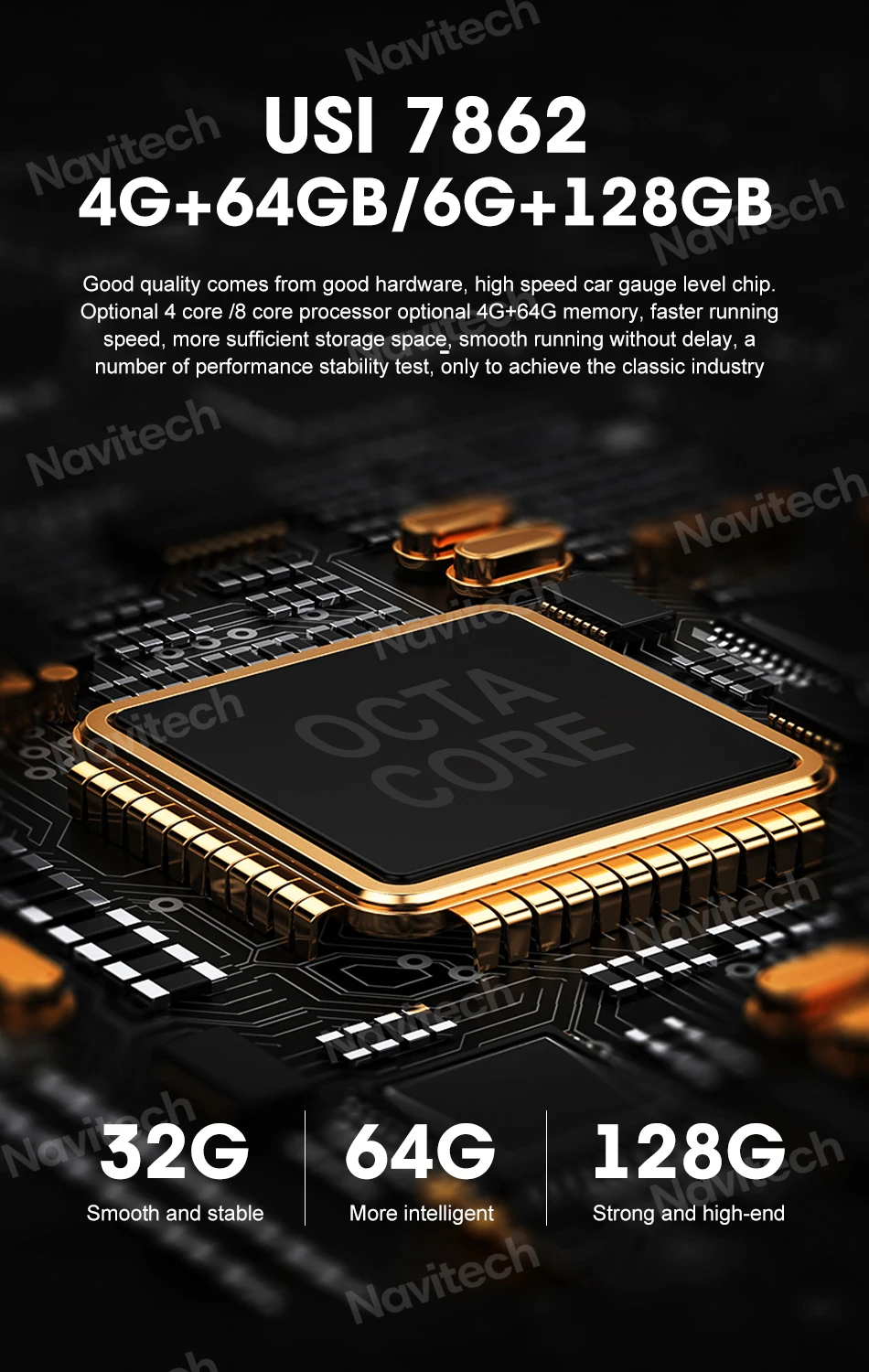
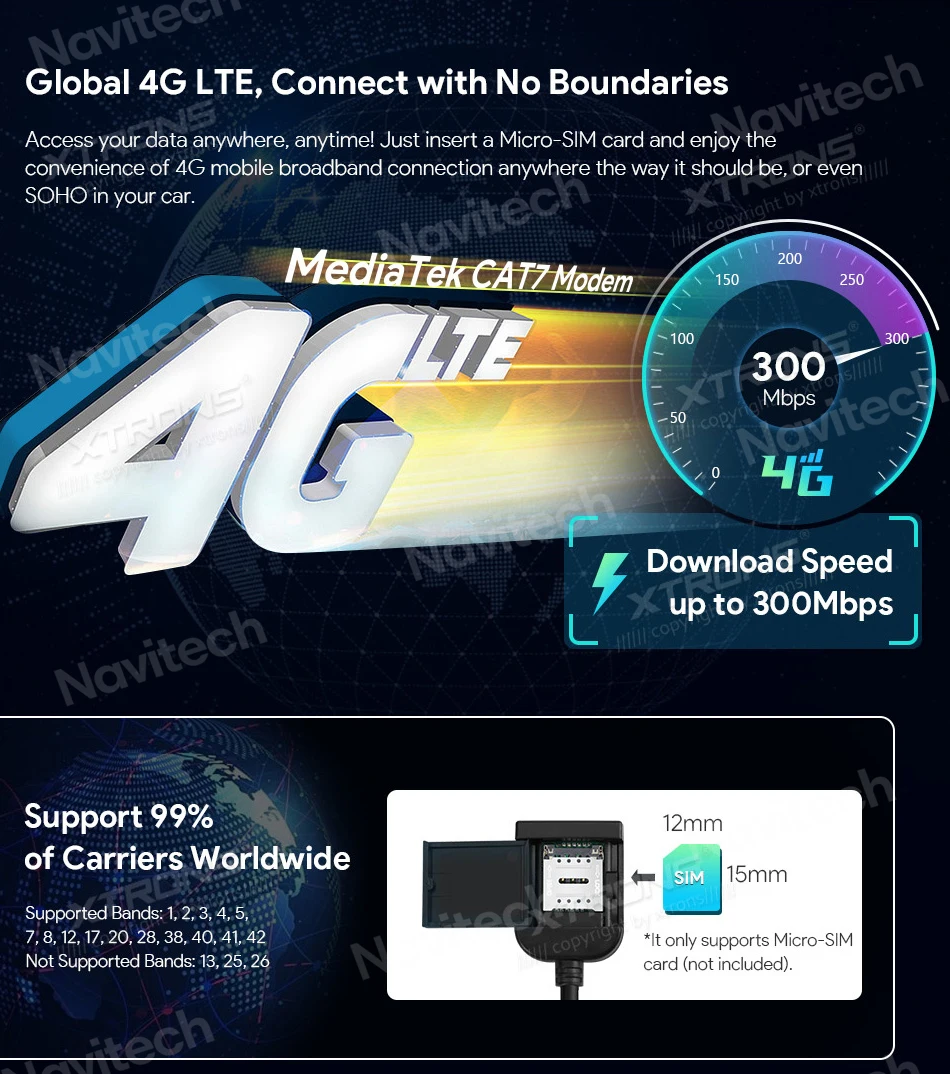
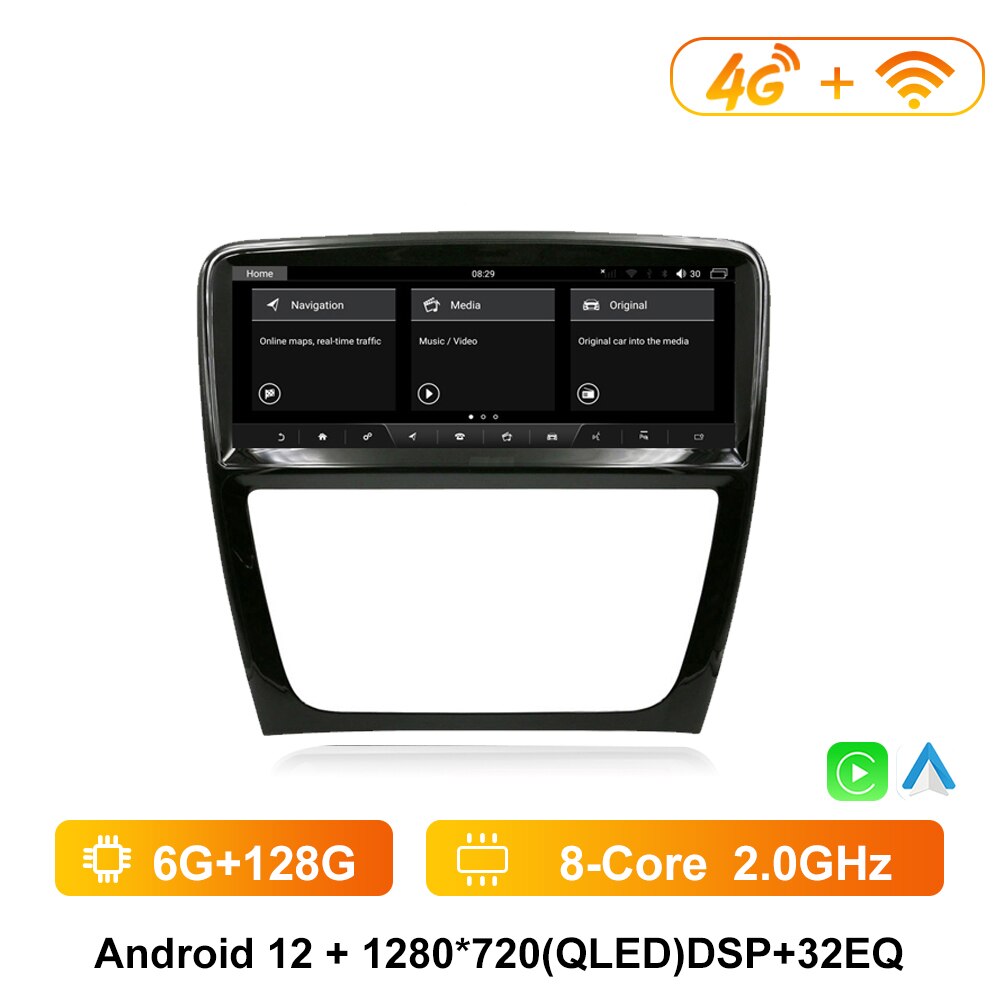
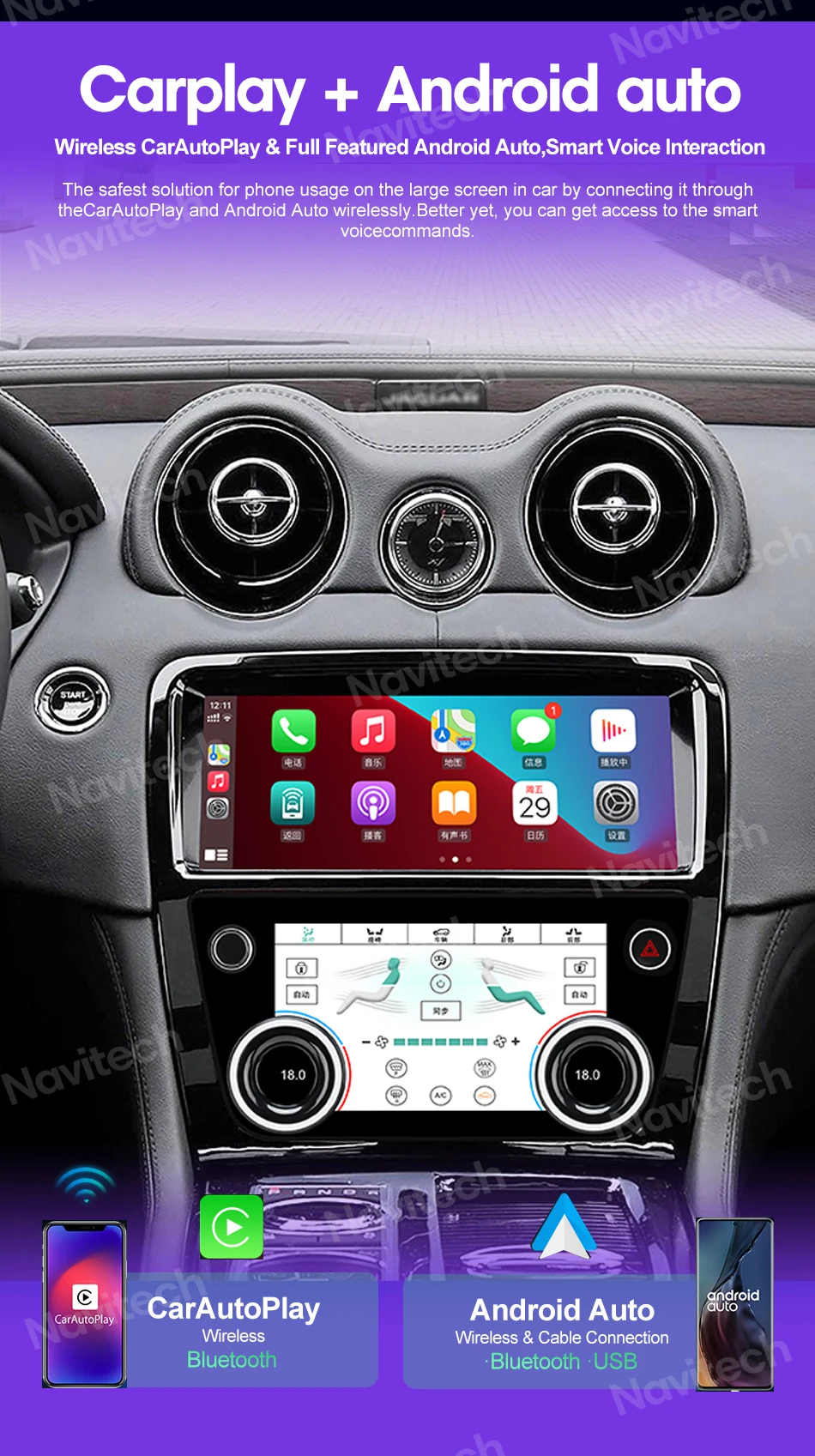
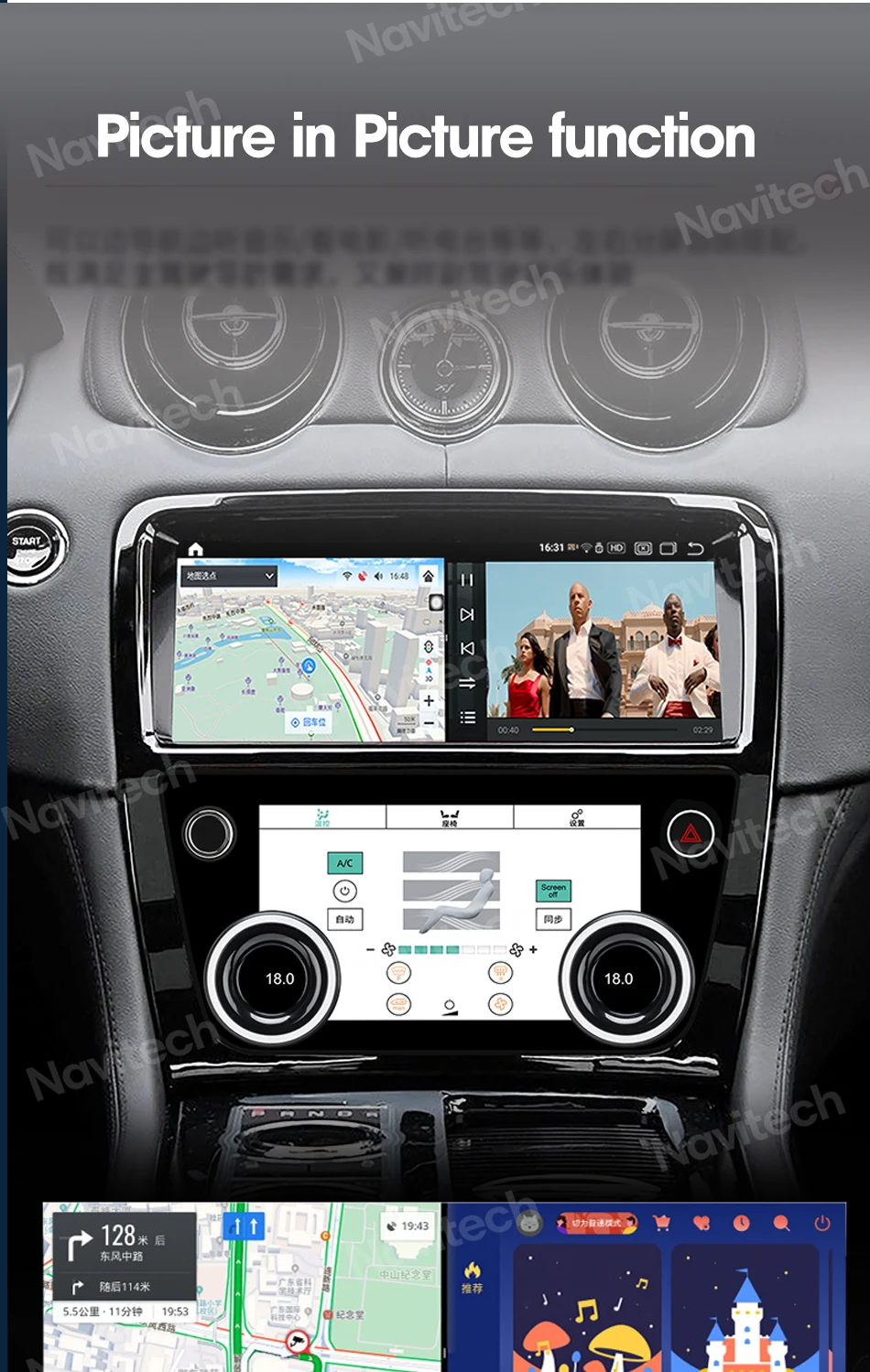
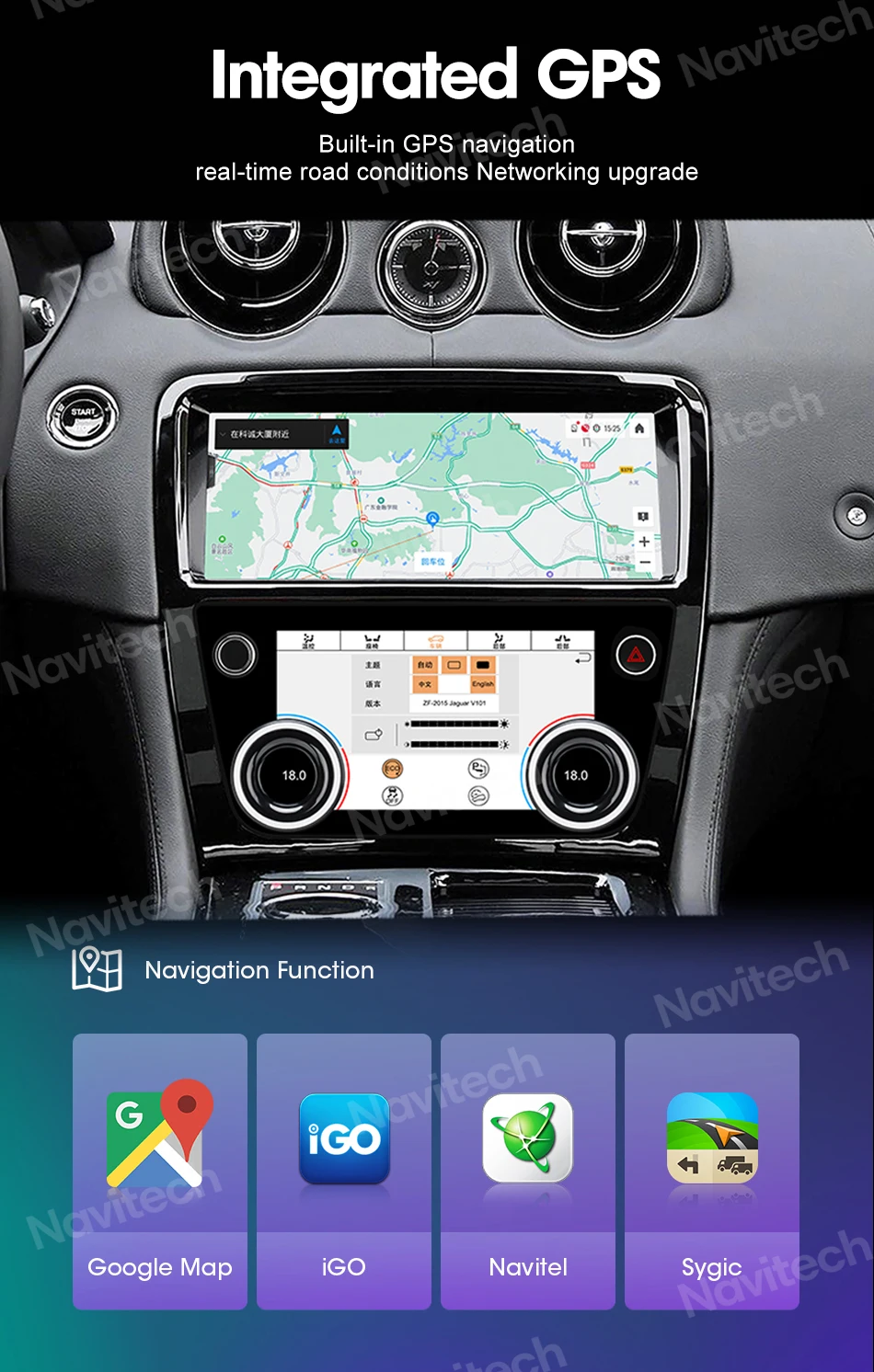
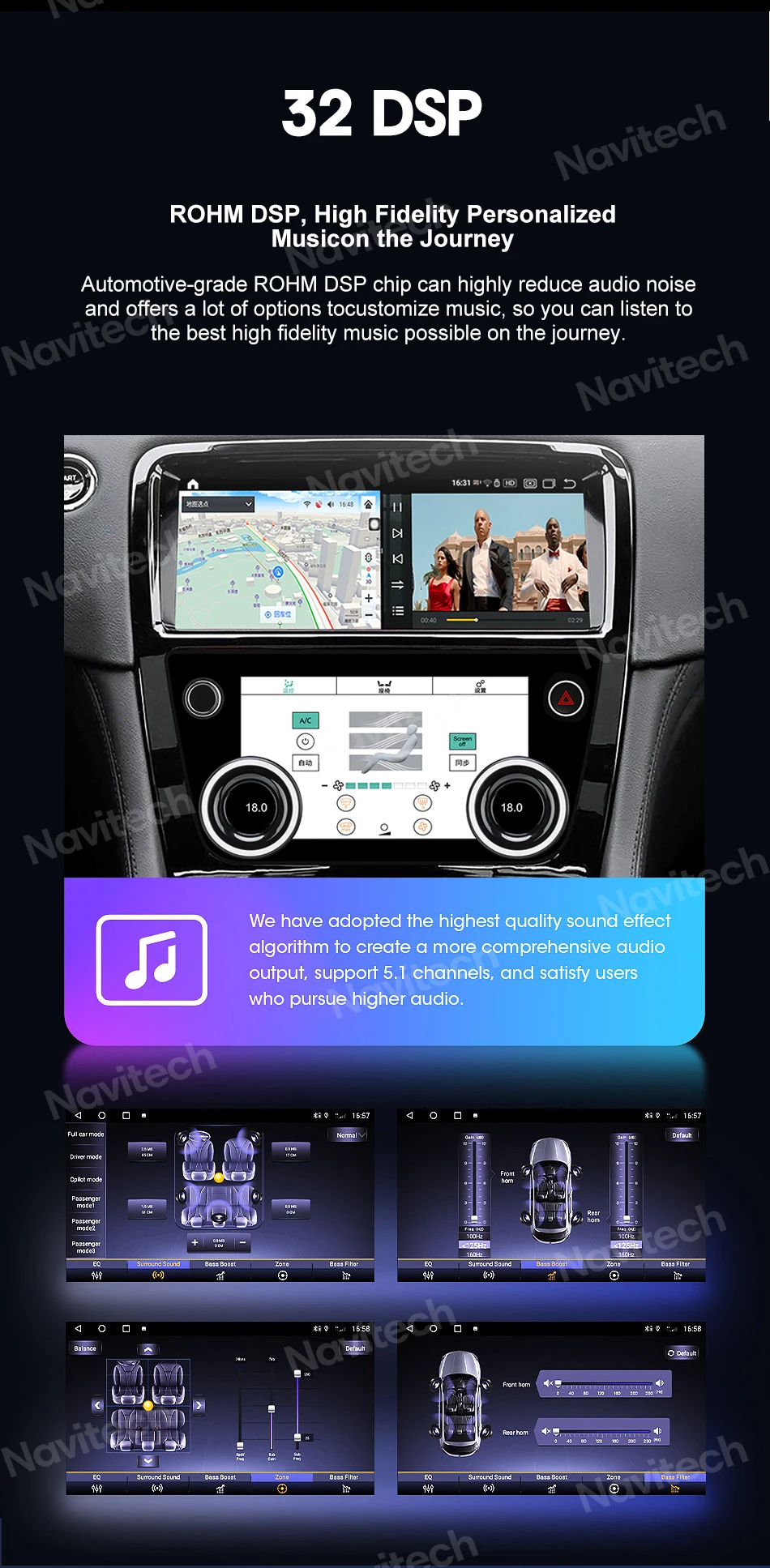
The Roadnavier Android head unit for the Jaguar XJ and XJL (X351, 2009–2019) is a direct-fit aftermarket infotainment replacement engineered to match the factory dashboard opening without modification. Running Android 12 on an 8-core processor with 6GB RAM and up to 128GB storage, the unit delivers wireless Apple CarPlay, wireless Android Auto, Bluetooth 5.0, built-in 4G and Wi-Fi, OBD2 live diagnostics, and TPMS tire monitoring — while retaining factory steering wheel controls, climate display integration, and the original backup camera.
Wireless CarPlay & Android Auto
Your phone connects automatically when you start the car — no cable, no manual pairing every time.
8-Core Android 12 Performance
Dual Cortex A75 + hexa Cortex A55 @ 1.8GHz with 6GB RAM — instant app launches, zero lag.
Plug-and-Play Installation
Vehicle-specific wiring harness included. Push-fit connectors — no cutting, no drilling, no soldering.
Always-On 4G + Dual-Band Wi-Fi
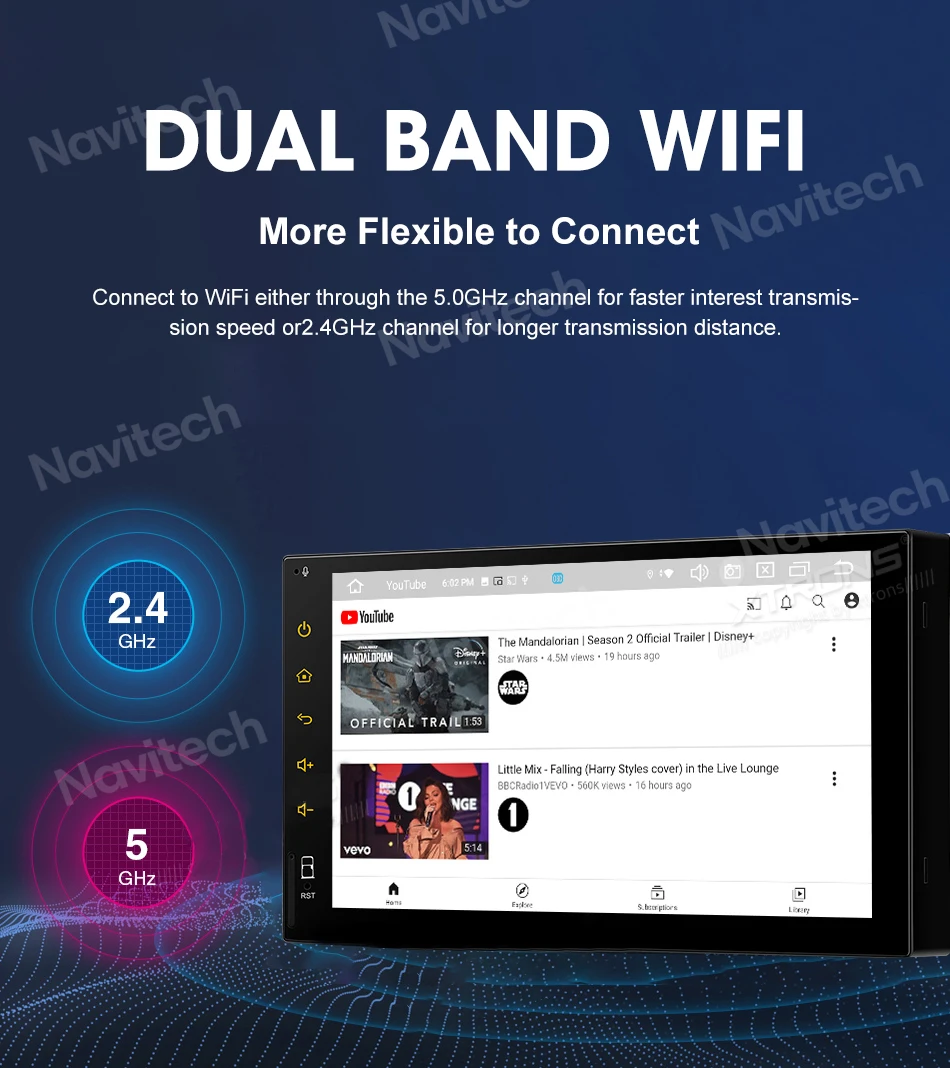
Built-in 4G SIM slot and 2.4/5GHz Wi-Fi. Stream music, run Google Maps live, update apps on the go.
Live TPMS on Screen
Real-time tire pressure and temperature for all four wheels displayed directly on the head unit.
OBD2 Live Diagnostics
Read fault codes, monitor live engine data, and clear dashboard warning lights from the screen.
What the XJ's Factory System Can't Do — and What This Unit Fixes
The Jaguar XJ X351 is one of the most elegant sports saloons ever built. The factory infotainment it shipped with has not aged as gracefully. Here's the honest comparison.
No CarPlay or Android Auto
The original Jaguar InControl system predates modern smartphone integration entirely. Getting your phone on the screen means unreliable third-party workarounds.
Wireless CarPlay & Android Auto Built In
Your phone connects the moment you start the car. Maps, calls, Spotify — all on screen, hands-free, automatically every drive.
Outdated Maps, No Live Traffic
Navigation data from a decade ago. Map updates are expensive and infrequent. No real-time traffic or speed camera alerts.
Google Maps, Waze & Offline Navigation
Live traffic, speed camera alerts, and real-time rerouting — or full offline maps when you're out of coverage.
Aging Bluetooth, Poor Audio Streaming
Early Bluetooth implementations struggle with modern codecs. Call quality and music streaming are unreliable on most XJ units.
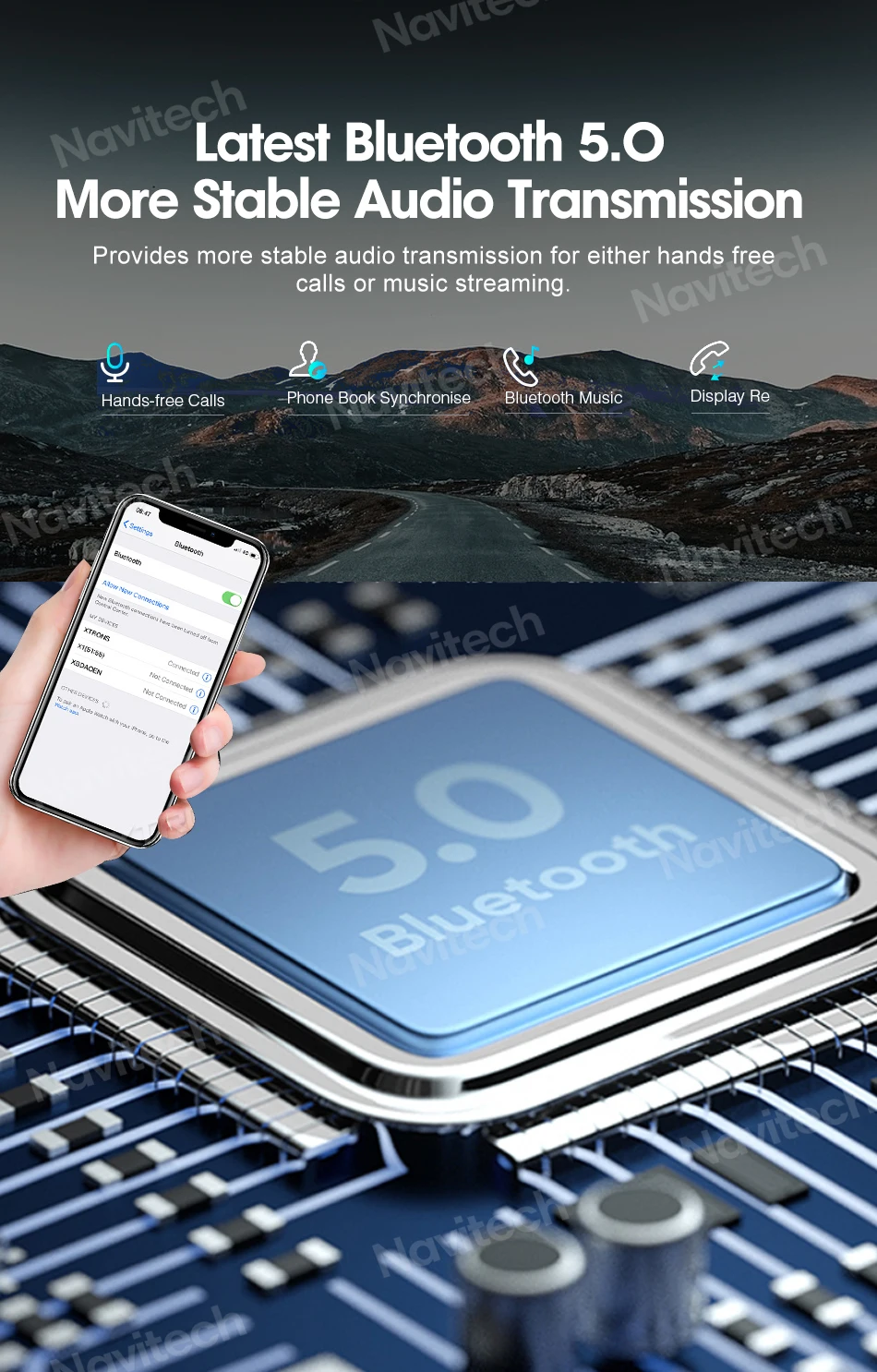
Bluetooth 5.0 — Instant, Stable, HD Audio
Pairs in seconds. Crystal-clear hands-free calls, lossless audio streaming, contact sync, and automatic reconnection every time.
No App Ecosystem
You're locked into whatever Jaguar included at launch. No Spotify, no YouTube, no third-party navigation apps.
Full Android 12 + Google Play Store
Install any app you want — Spotify, Waze, dashcam apps, OBD diagnostics, YouTube. The full Android ecosystem, in your XJ.
What You Keep — What Changes
The most common question before buying: "What does my XJ lose after this upgrade?" Here is the complete, honest answer.
-
✅
Factory Backup CameraActivates automatically on reverse — displays on the new screen with no adapters needed.
-
✅
Steering Wheel ControlsVolume, track skip, and phone controls all retained via the plug-and-play harness.
-
✅
Factory Climate ControlAC functions remain fully operational — not affected by the head unit swap.
-
✅
Factory Speaker SystemAudio output integrates directly with your existing speakers via the wiring harness.
-
❌
Physical CD / DVD DriveRemoved to fit the new unit. USB playback and streaming apps replace it entirely. Store your old unit safely.
-
⚠️
Meridian Premium Audio OwnersIf your XJ has Meridian surround sound, contact us first — harness configuration differs.
Technical Specifications
| Fitment | Jaguar XJ / XJL (X351) 2009–2019 — all trims |
| Operating System | Android 12 |
| Processor | 8-Core — Dual ARM Cortex A75 + Hexa ARM Cortex A55 @ 1.8GHz |
| GPU | Dual-core ARM Mali G52 @ 614.4MHz |
| RAM | 6GB LPDDR4 |
| Storage | 64GB or 128GB (select at checkout) |
| Screen Resolution | 1920 × 720 px widescreen IPS |
| Touch Screen | Capacitive multi-touch |
| Apple CarPlay | Wireless & Wired |
| Android Auto | Wireless & Wired |
| Bluetooth | 5.0 — calls, HD audio streaming, contact sync |
| Wi-Fi | Dual-band 2.4GHz + 5GHz built-in |
| 4G Connectivity | Built-in 4G LTE module — SIM card slot included |
| GPS Navigation | Built-in; supports Google Maps, Waze, offline maps |
| Radio | NXP6686 chipset — AM/FM with RDS |
| Video | HD 1080P / 4K ISP support |
| USB Ports | USB 2.0 Host + USB OTG |
| DVR / Dashcam | Supported — external dashcam input compatible |
| OBD2 Diagnostics | Yes — live engine data & fault code reading on screen |
| TPMS | Yes — real-time tire pressure & temperature, all 4 wheels |
| Mirror Link | iOS & Android screen mirroring supported |
| Steering Wheel Controls | Retained via factory wiring harness |
| Backup Camera | Factory OEM camera retained — auto-activates on reverse |
| Wiring Harness | X351-specific plug-and-play harness — included |
| Warranty | 12 months from delivery date |
Compatibility & Fitment
Designed specifically for the Jaguar XJ X351 platform. Always confirm your trim and audio configuration before ordering — send us a dashboard photo and we verify for free.
| Year Range | Model | Trim / Configuration | Fitment |
|---|---|---|---|
| 2009–2015 | Jaguar XJ / XJL (X351) | Standard & Portfolio — standard audio | Direct Plug-In |
| 2016–2019 | Jaguar XJ / XJL (X351 facelift) | All trims including Autobiography | Direct Plug-In |
| 2009–2019 | Jaguar XJ with Meridian Sound System | Premium surround audio configuration | Confirm Before Ordering |
| 2020+ | Jaguar XJ (post X351) | Different platform architecture | Contact Us to Verify |
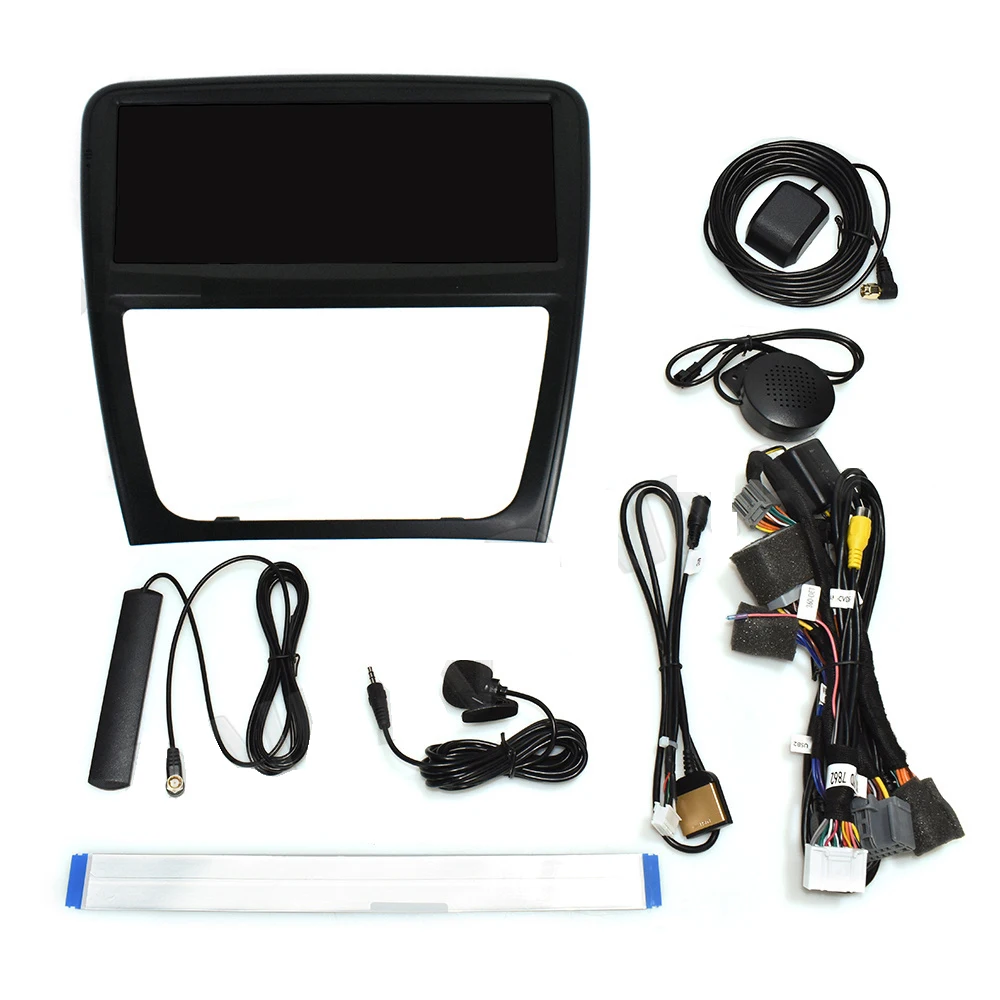
What's in the Box
Everything required for a complete installation — no surprise extras to order separately.
1 × Android 12 Head Unit
X351-Specific Wiring Harness
GPS Antenna
USB Extension Cables
Installation Brackets & Hardware
User Manual
Installation Overview
Estimated time: 90–120 minutes. No wire cutting. No drilling. A plastic trim pry kit is the only tool you need beyond what's in the box. Professional installation is always an option and recommended for first-timers.
Confirm Compatibility
Send us your VIN or a dashboard photo if you're unsure about your audio configuration. We confirm your exact harness before you begin. Time: ~5 min.
Remove the Factory Head Unit
Use a plastic pry tool to release the center console trim panels. The factory unit disconnects cleanly from the rear via the matched harness connectors. Time: ~30 min.
Connect the Wiring Harness
Plug the included X351-specific harness into the factory connector. All plugs are push-fit and colour-coded — no splicing, no soldering. Time: ~20 min.
Mount, Power On & Test
Slide the Roadnavier unit into the dash and secure with the bracket. Power on — verify CarPlay pairing, backup camera, steering wheel controls, and audio before reassembling trim. Time: ~20 min.
Full step-by-step video guide available on YouTube @roadnavier. Our engineers are on WhatsApp during your installation if you need real-time guidance.
Buy With Confidence
DHL Express Shipping
5–10 business days to US, UK, EU, AU. Full tracking from dispatch to door.
Bench-Tested Before Shipping
Every unit is tested against XJ wiring spec before it leaves our facility.
12-Month Warranty
Full hardware coverage from delivery date. Defects replaced — no questions asked.
30-Day Returns
Unused units accepted within 30 days. Full refund, no restocking fee.
Free Pre-Sale Fitment Check
Send your dashboard photo — we verify compatibility before you spend a penny.
Post-Install Engineer Support
WhatsApp support after installation. Settings, firmware, troubleshooting — all covered.
Frequently Asked Questions
Does this Android head unit fit my 2012 Jaguar XJL with the standard audio system?
Yes — the Roadnavier unit is compatible with the Jaguar XJ and XJL X351 from 2009 through 2019 across all standard audio configurations. The included plug-and-play harness matches your factory connector without any wiring modification. If your vehicle has the upgraded Meridian premium surround sound system, send us a dashboard photo first so we can confirm the correct harness for your specific build.
Will my factory backup camera and steering wheel controls still work after installation?
Yes — both are fully retained. The reverse camera activates automatically when you shift into reverse and displays on the new screen. Steering wheel controls for volume, track skip, and phone calls are all integrated via the factory wiring harness with no additional adapters required on standard X351 configurations.
Does wireless CarPlay actually work without plugging in my iPhone every time?
Yes. After the initial Bluetooth pairing, your iPhone connects to CarPlay automatically every time you start the car — no cable needed, no manual steps. The same applies to Android Auto on compatible Android devices. Both wireless connections are stable and launch within seconds of starting the engine.
What is included in the box — do I need to buy any extra cables or adapters?
The package includes everything required for a standard installation: the Android head unit, Jaguar XJ X351-specific wiring harness, GPS antenna, USB extension cables, installation brackets, and a user manual. No additional adapters are needed. A plastic trim pry tool kit is the only optional extra we recommend sourcing before you begin.
Can I install this myself, or do I need a professional installer?
The installation is designed to be DIY-friendly — all connections are plug-and-play with no wire cutting or drilling required. Estimated time is 90–120 minutes. A step-by-step video guide is available on our YouTube channel, and our engineers are available on WhatsApp to guide you through the process in real time. If you'd prefer professional installation, any car audio shop familiar with Jaguar interiors can complete it without issue.
Does the OBD2 feature work on Jaguar XJ vehicles, and what can I see on screen?
Yes — when connected to a Bluetooth or wired OBD2 adapter, the unit displays live engine data including coolant temperature, RPM, fuel consumption, and fault codes. You can also clear dashboard warning lights directly from the screen. Note: deep Jaguar-specific diagnostics (SDD-level coding) require a dedicated JLR diagnostic tool. Standard EOBD protocols cover all EU and US-spec XJ models.
How long does shipping take, and what is the warranty and return policy?
We ship via DHL Express — delivery takes 5–10 business days to the US, UK, EU, and Australia, with full tracking provided from dispatch. All units carry a 12-month hardware warranty from the date of delivery. Returns are accepted within 30 days for unused units with a full refund and no restocking fee. Faulty units within the warranty period are replaced — no lengthy return process.