Roadnavier
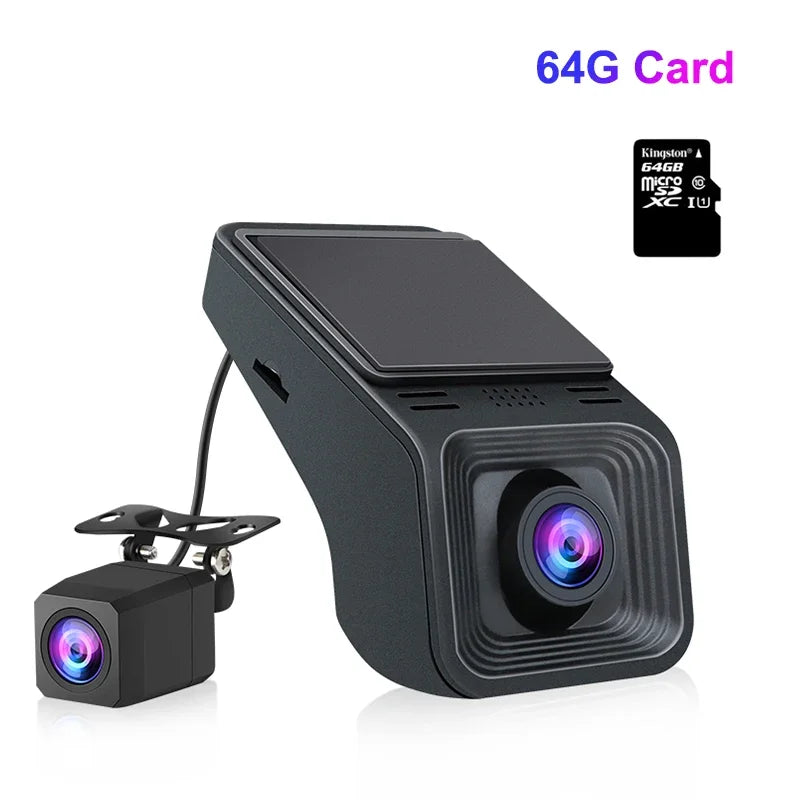
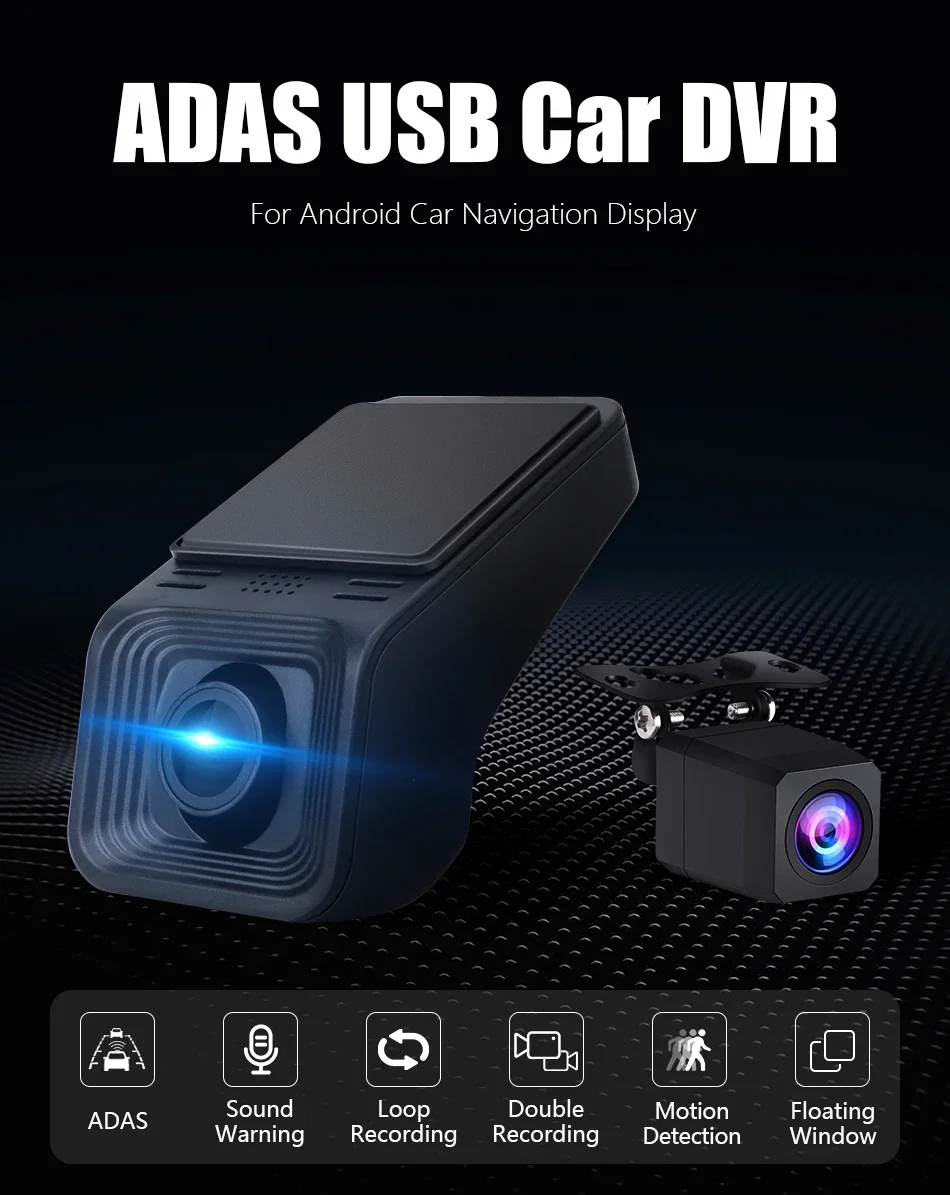
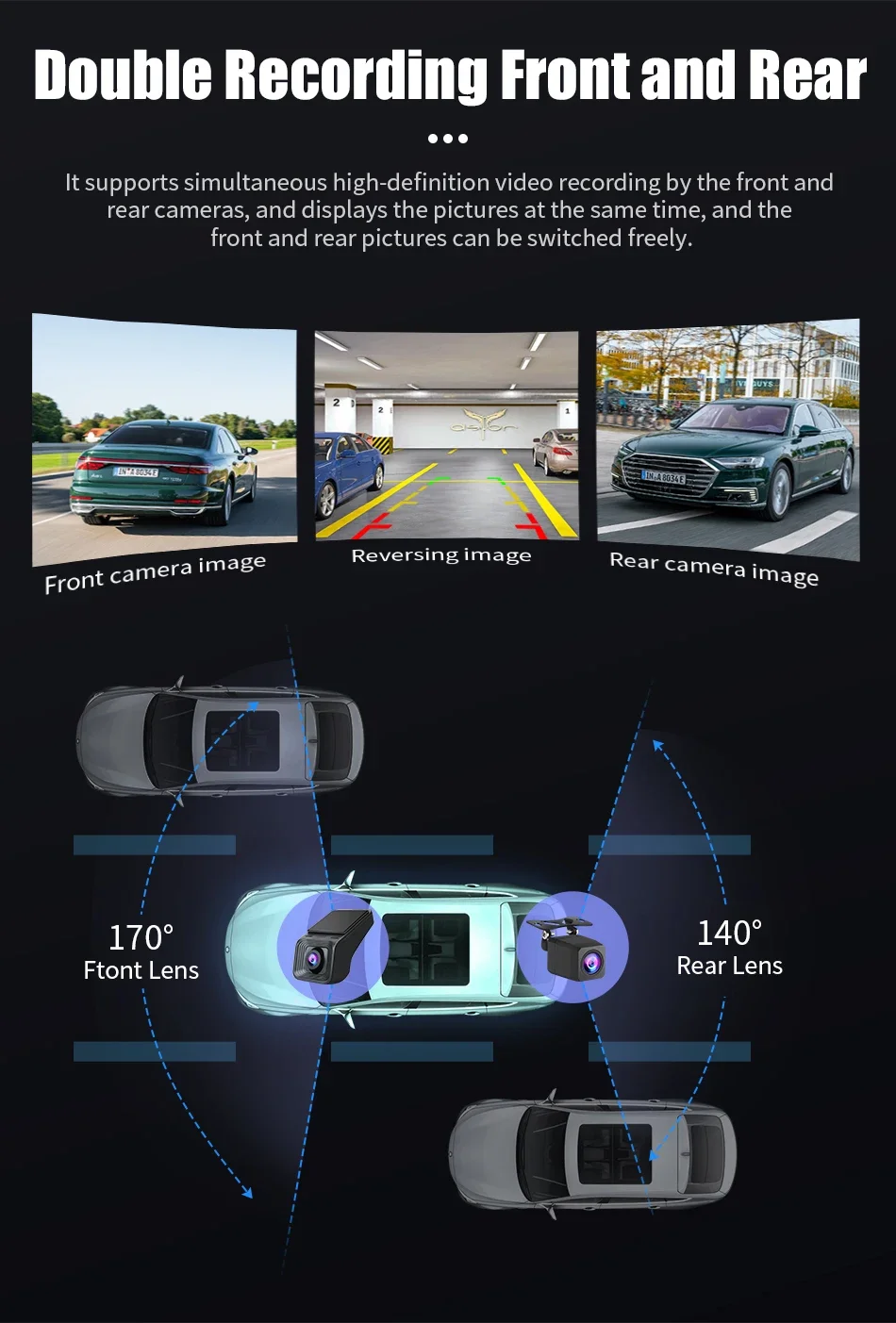
USB ADAS Dash Camera — Dual Lens, For Android Head Units
USB ADAS Dash Camera — Dual Lens, For Android Head Units
Couldn't load pickup availability
HD USB Dash Camera with Smart ADAS System
Integrated Forward Collision Alert, Lane Departure Warning & Floating Display overlay for Android Multimedia Head Units.
System Compatibility & Storage Guide
Hardware Standard: Designed specifically for Android Head Units (Android 4.0 or above). Requires dedicated APK installation via direct USB plug.
Memory Card Format: High-speed TF/SD cards up to 32GB supported. Must be formatted to FAT32. We highly recommend purchasing the optional pre-tested Roadnavier High-Speed Storage Card option to prevent video dropouts, unreadable card errors, or system freezes.
Advanced Technical Features
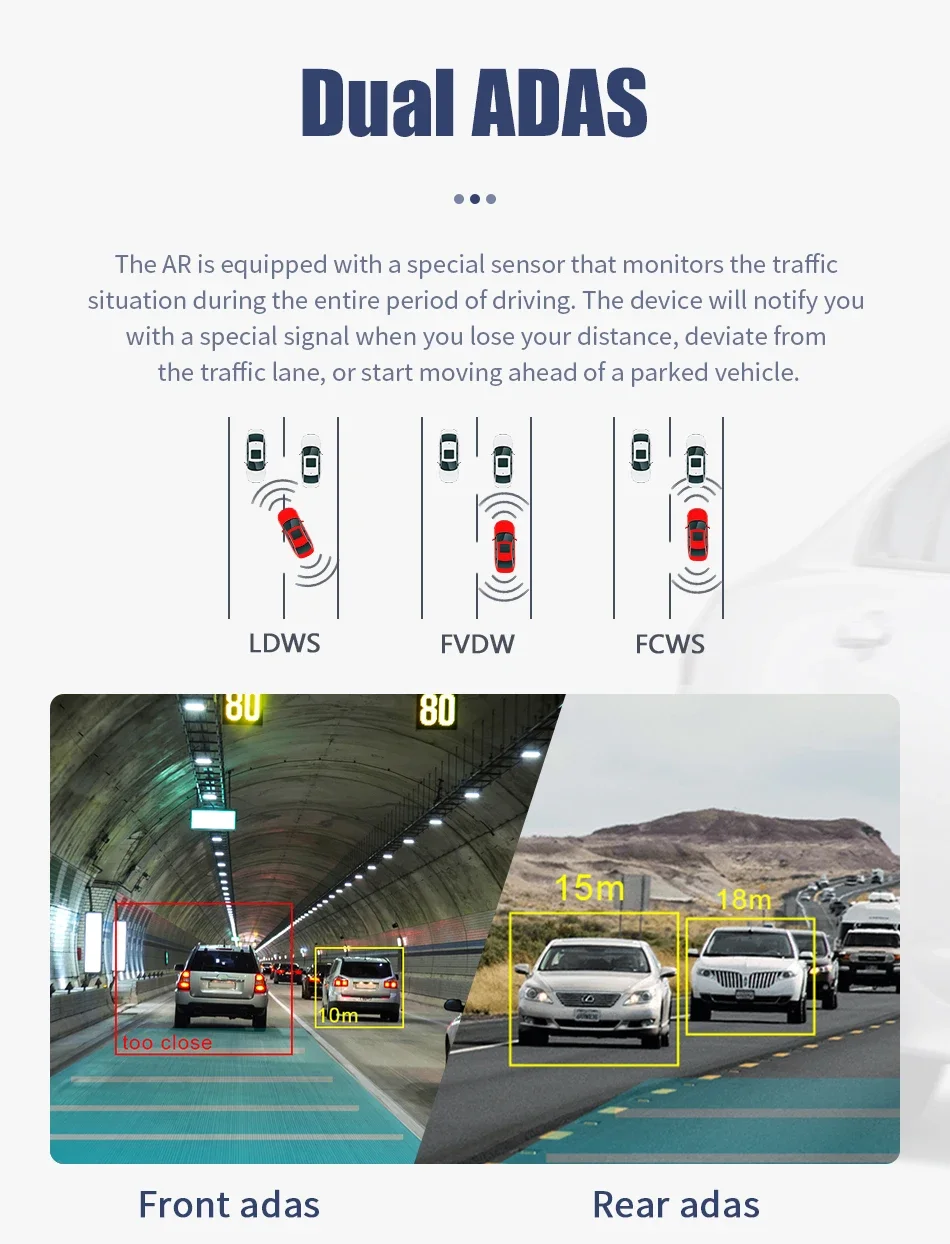
FCWS + LDWS Smart ADAS
Real-time optical analytics detect road markings and leading vehicles. Triggers real-time auditory warnings for Forward Collisions (FCWS) and unintended Lane Departures (LDWS).
Automated Loop Recording
Continuous seamless loop writing automatically overwrites the oldest unlocked footage when storage reaches capacity. Emergency collision events lock and shield current logs from overwriting.
Picture-in-Picture Floating Window
Overlay camera live-views seamlessly on top of navigation apps like Google Maps or Waze. Monitor road hazards without interrupting your route directions.
Direct USB Interface
No complex fuse box tapping or OBD wiring required. Connect directly to standard USB 2.0/3.0 ports on your Android head unit for combined power and video transmission.
Quick 3-Step Installation
- Connect Device: Plug the camera into the rear USB port of your Android radio screen.
- Install APK File: Open File Manager on your Android unit, locate the USB storage folder, and run the built-in APK installer.
- Calibrate ADAS: Mount the camera near the rearview mirror, align the calibration lines on the screen with the horizon, and begin driving.
Engineering Details & Real Shots
Frequently Asked Questions
Can I use this camera with my factory OEM head unit? +
No. This USB Dash Camera is engineered specifically for aftermarket Android OS head units (Android 4.0 or higher) that support third-party APK installation. It does not natively connect to factory OEM screens or non-Android radios.
Why does my screen show "Storage Card Error" or a black screen? +
Dash cameras process continuous high-bitrate video streams. If your MicroSD card uses exFAT or NTFS formatting, or lacks Class 10 write speeds, the app may crash or show a black screen. Always ensure your card is formatted to FAT32 using a PC before inserting, or select our optional pre-tested card bundle.
How do I calibrate the ADAS warnings (FCWS/LDWS)? +
Once installed, open the Camera App on your Android radio. Go to the Settings tab and enable ADAS. Drive on a straight road with visible lane lines at speeds above 30 mph (50 km/h) for 2–3 minutes so the optical sensor can automatically calculate vehicle pitch and lane boundaries.